
To use the AI Assistant agent with the default sd-ai Gateway you will need to maintain a credit balance that will be used to make payments to the providers of the LLMs used by the AI Assistant. For the basic tools, you have the option of providing your own API keys to use specific LLMs. And you can, of course, set up your own sd-ai Gateway to provide LLM access any way you choose to do so.
To see your current credit balance click on the $ button to at the top right of the assistant's window:
This will open a dialog showing your credit balance:
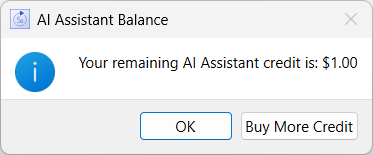
Click on Buy More Credit to increase the credit available for using the AI tools. This option is not available for all Stella configurations. For time limited licenses, such as the trial, any credits you buy will only be good for the duration of the license.
Non-Student licenses for Stella Professional, Architect, and Enterprise all have AI Assistant credit added as part of annual maintenance. You can add to that by purchasing more credit if needed.